Choose a video
Pick a group dance, rehearsal, or performance video from Photos.

HOW TAPSOLO WORKS
TapSolo separates repetitive camera-follow work from the moments where your judgment matters.
Pick a group dance, rehearsal, or performance video from Photos.
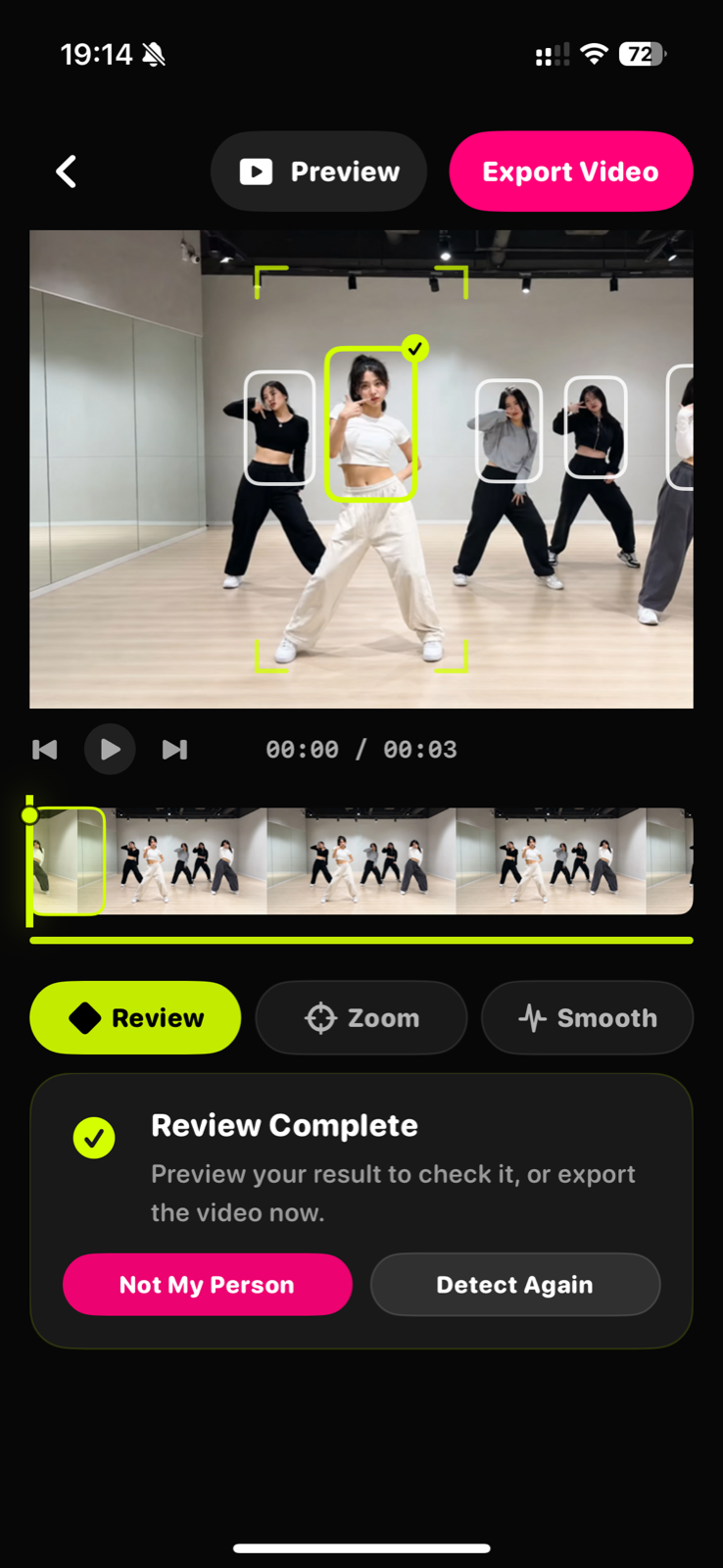
Move to a clear frame and tap the person you want TapSolo to follow.
Check the follow path and correct uncertain moments when people cross or disappear.
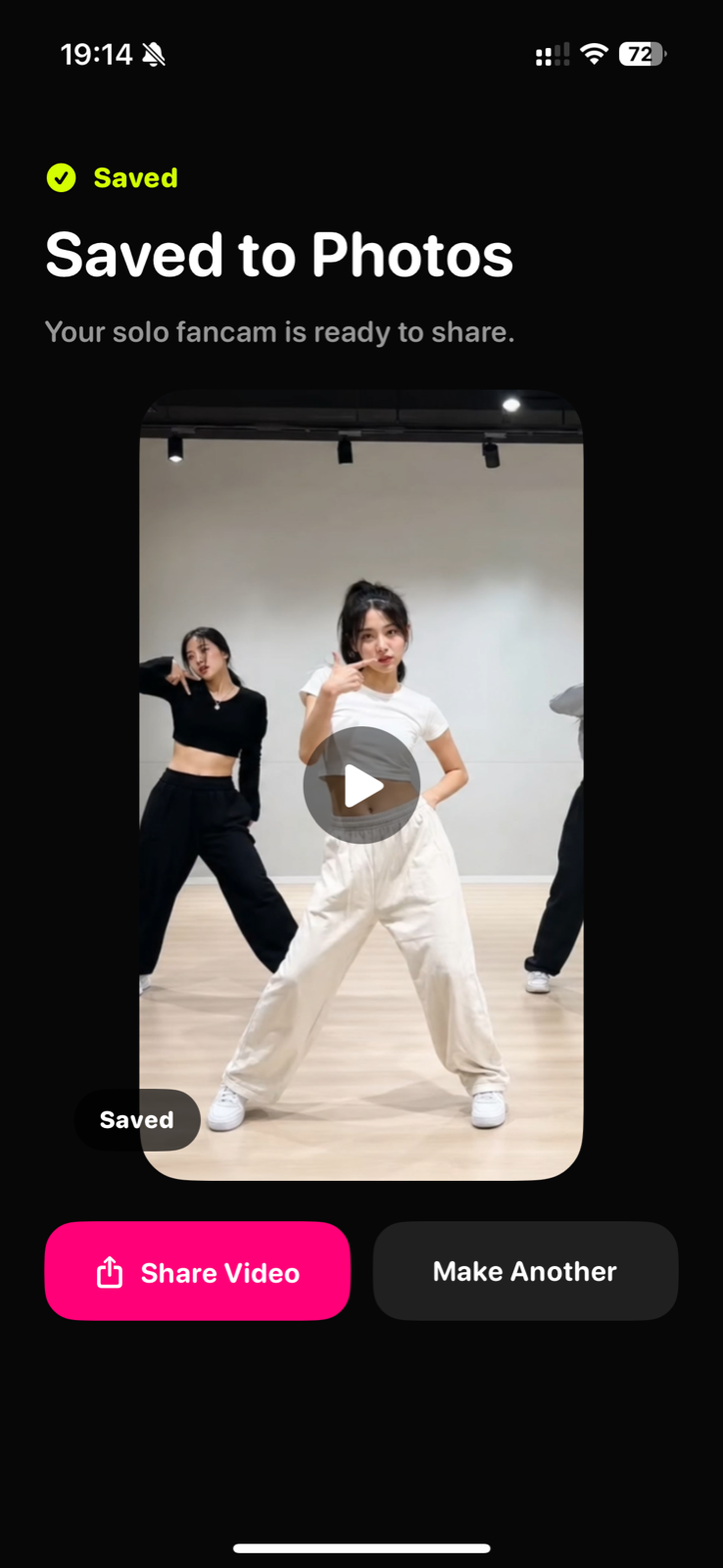
Create a vertical 9:16 solo fancam, save it, and share it.
Choose a dance cover, rehearsal, or performance from Photos. TapSolo reads the original video locally.
Move to a frame where the person is clear, then tap their person box. That choice defines the target for the rest of the workflow.
Crowded choreography creates crossings and occlusion. TapSolo marks uncertainty so you can check and correct the follow path.
Preview the reframed result, then export a 9:16 solo fancam with the original performance preserved.
YOUR NEXT SOLO CUT